
For captains
Run the team from your phone.
No more chasing a headcount at 9pm or begging the group text for a sub. League Time does the asking for you.
Invites
Your roster in a minute
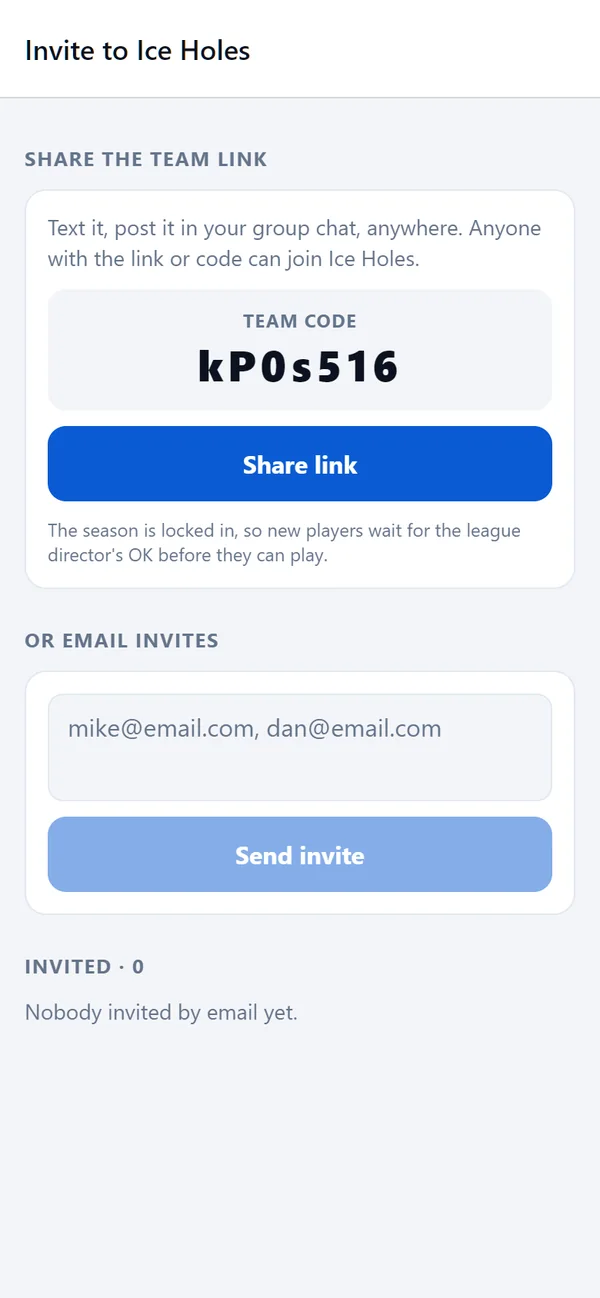
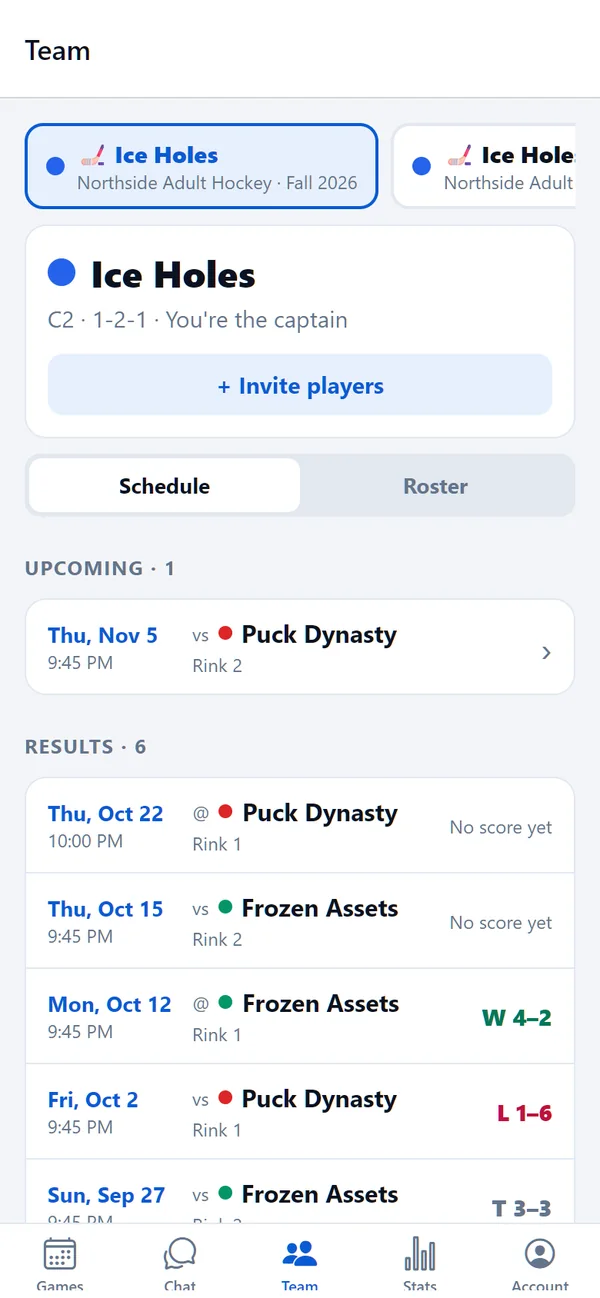
Share the team link or code anywhere you already talk: a text, the group chat, a post. Or type in email addresses and League Time sends the invites. Players join from their phone and fill out their own details.
Roster
Everyone, in their place
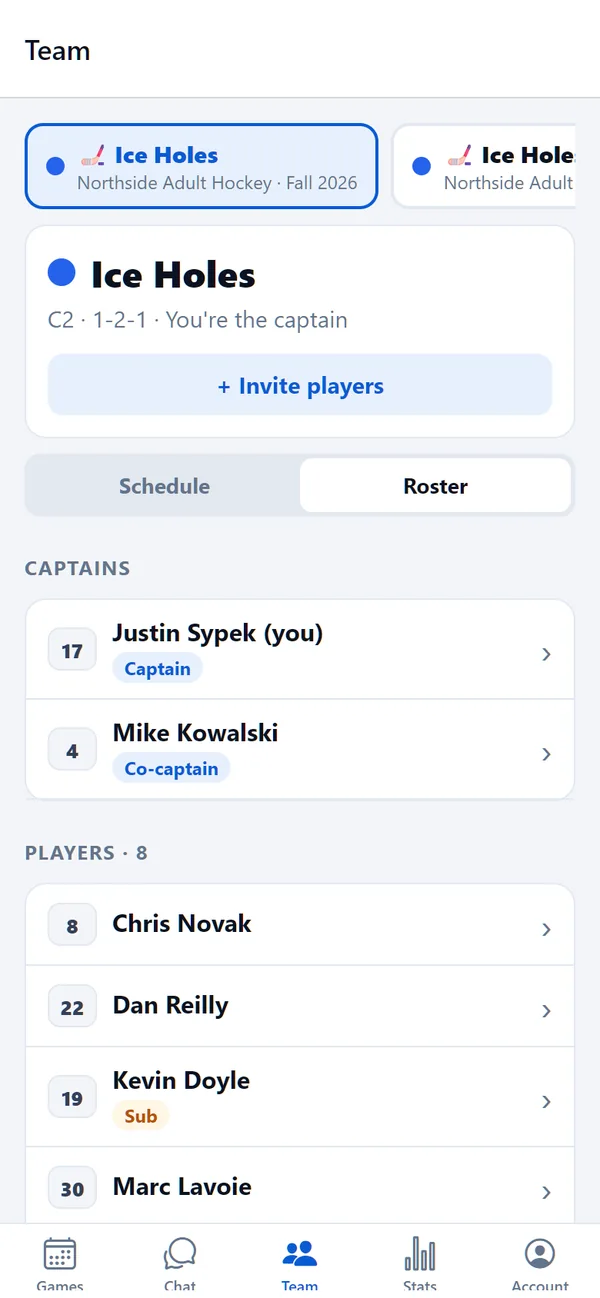
Set jersey numbers (unique on each team), mark players full time, part time or sub, name co-captains, and remove someone when they move on.
Game night
Know before you get to the rink
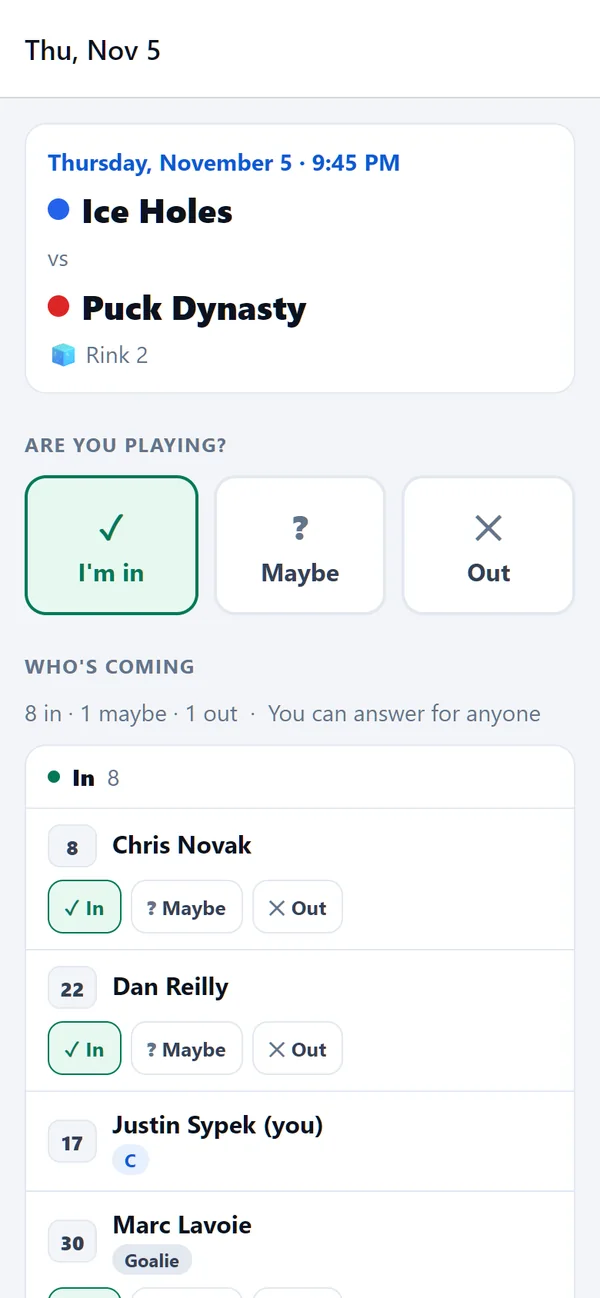
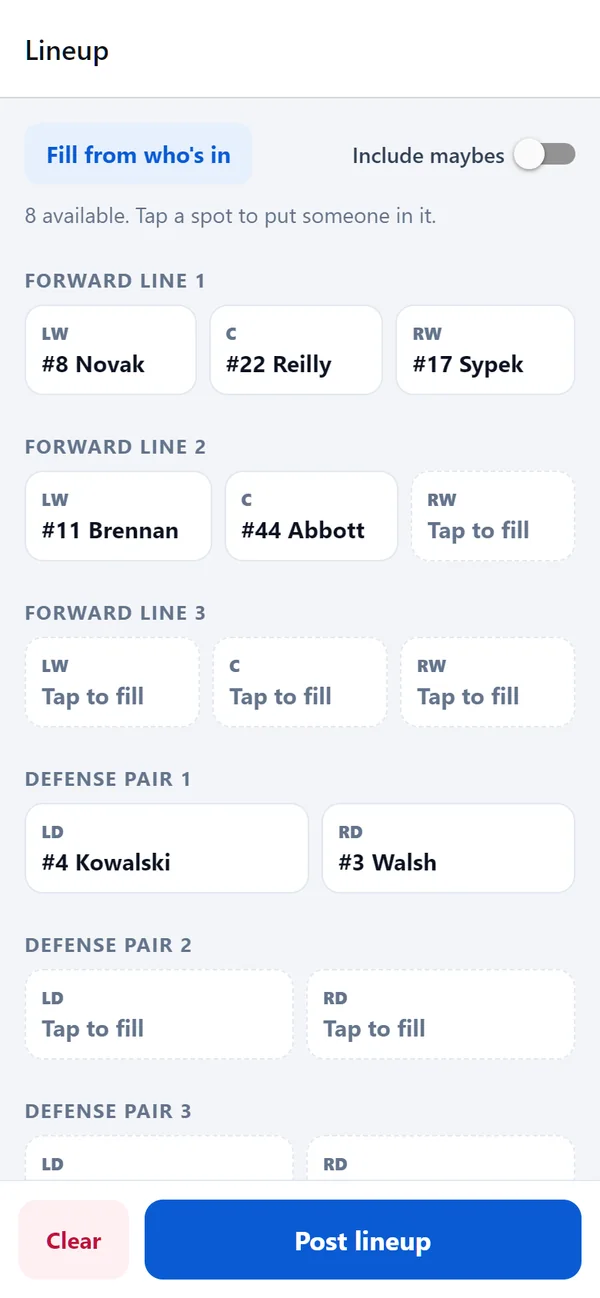
See who's in, who's a maybe and who hasn't answered, and answer for anyone who told you in person. Then build the lineup from the people who are actually coming, and post it so everyone knows where they're playing.
- Fill from who's in builds a starting lineup in one tap
- Suspended players are kept off automatically
- Batting order for softball, lines and pairs for hockey
Short a player?
Find a sub who's allowed to play
Post that you need a sub and League Time asks players in the league who have said they're available and are eligible for your division. You see who can make it, and the league's rules are already checked.
Next season
Register your team and build the roster
- Register the team. Name, color and the division you want.
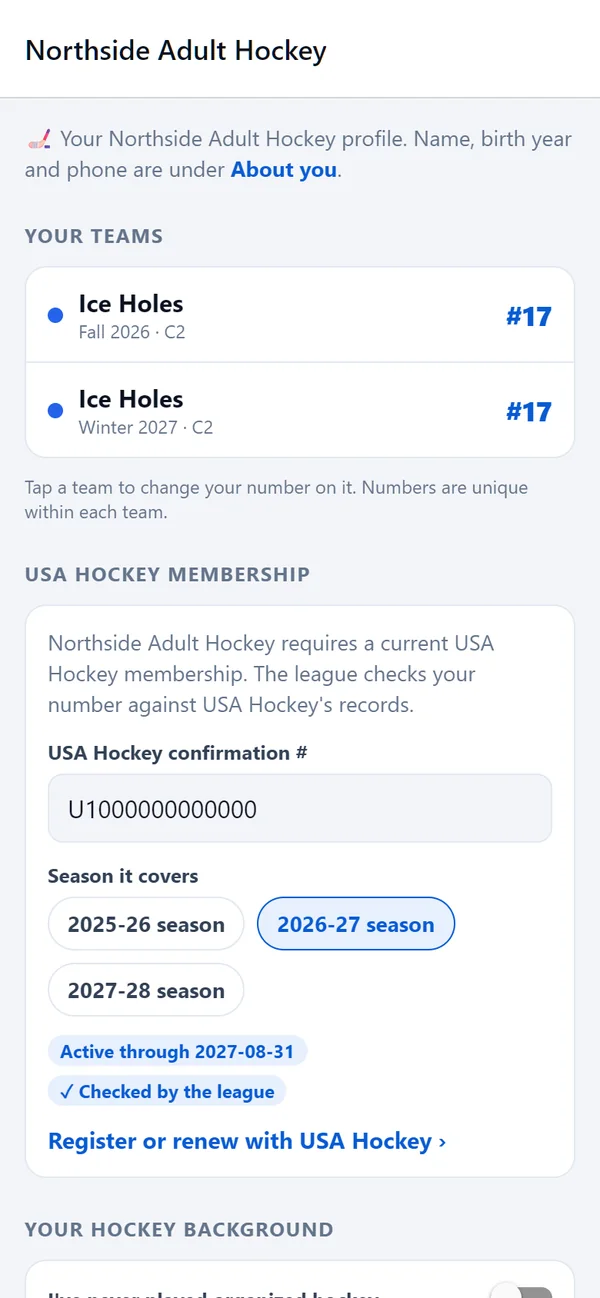
- Add yourself. Captains play too, so you fill in your profile like everyone else.
- Invite your players, and pick up free agents from the waiver wire.
Your league not on League Time yet?
Send your league director our way. Setting up a season takes an evening, and your players join with a link.